Character Counter
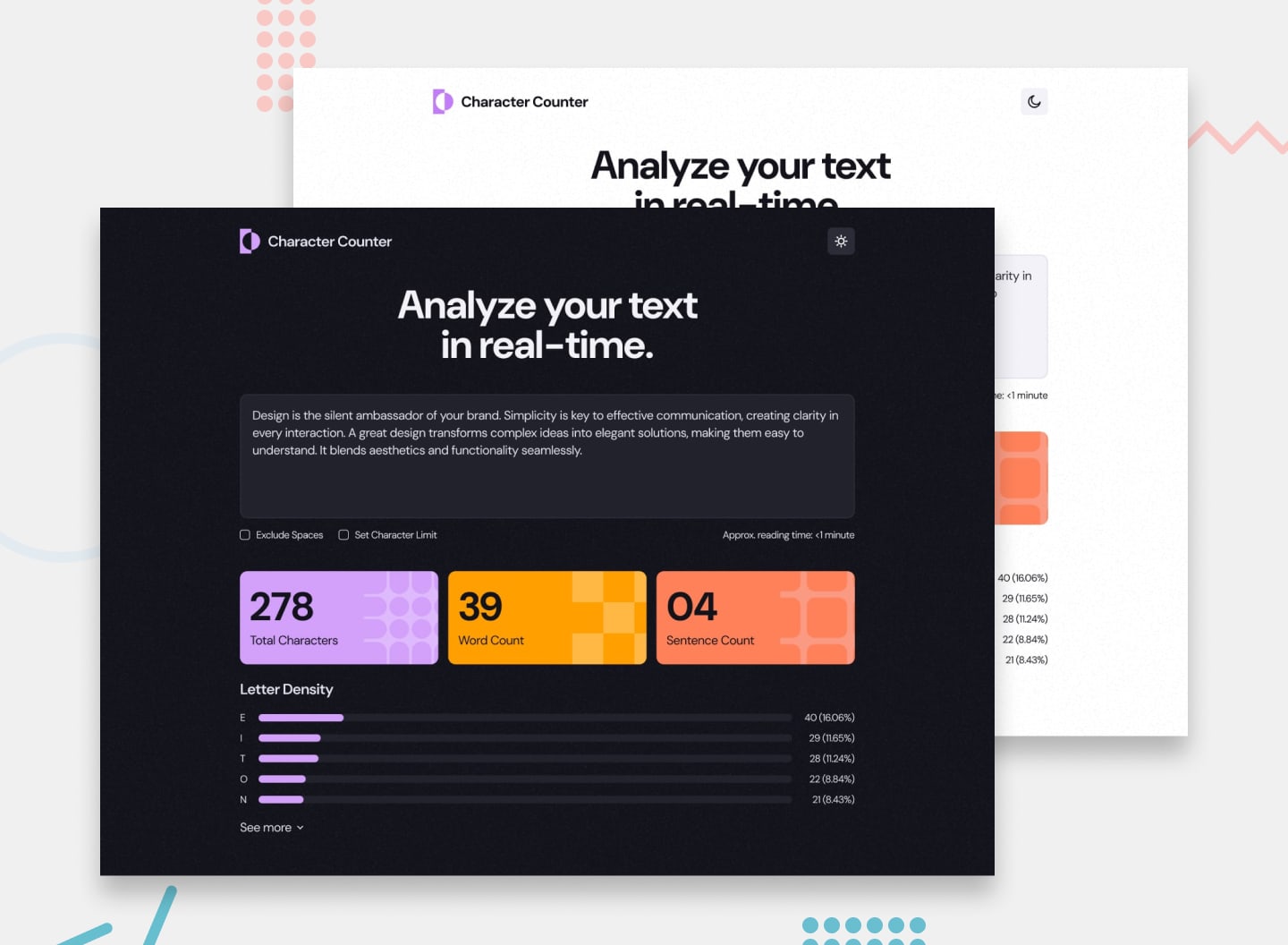
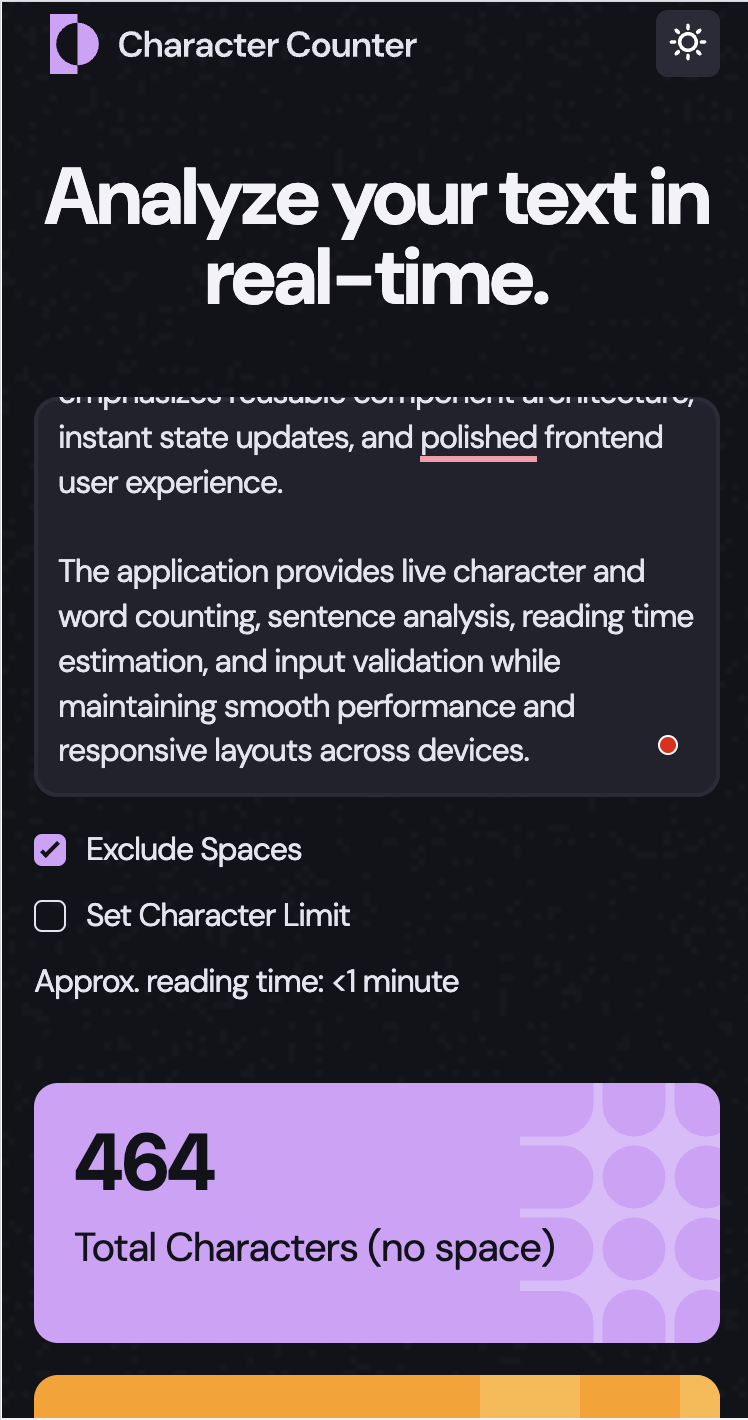
Character Counter is a lightweight and responsive text analysis application focused on real-time input processing and modern frontend development practices using vanilla JavaScript. Built with HTML, SCSS, and Gulp, the project emphasizes clean UI implementation, reusable styling architecture, and optimized frontend workflow tooling.
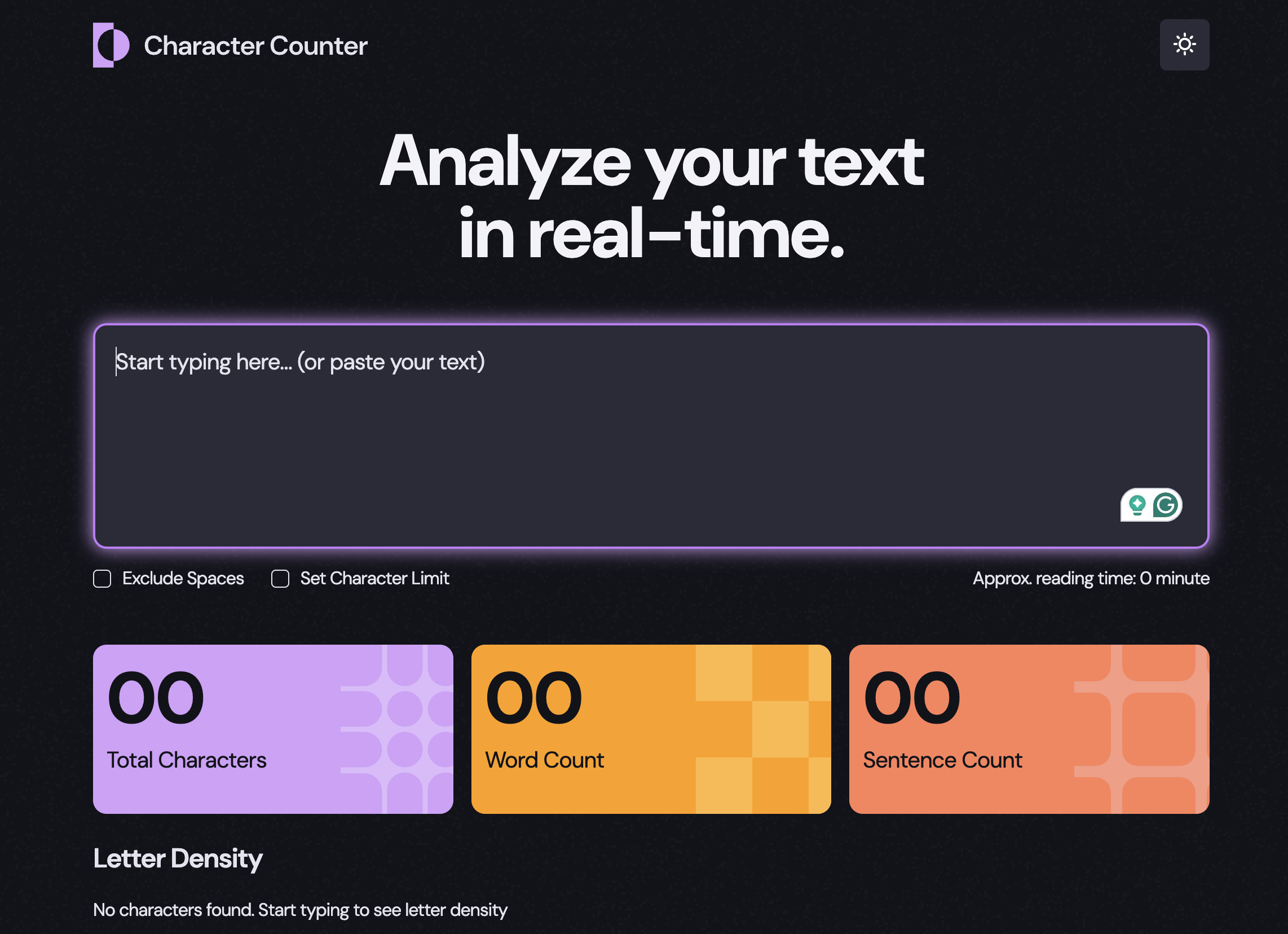
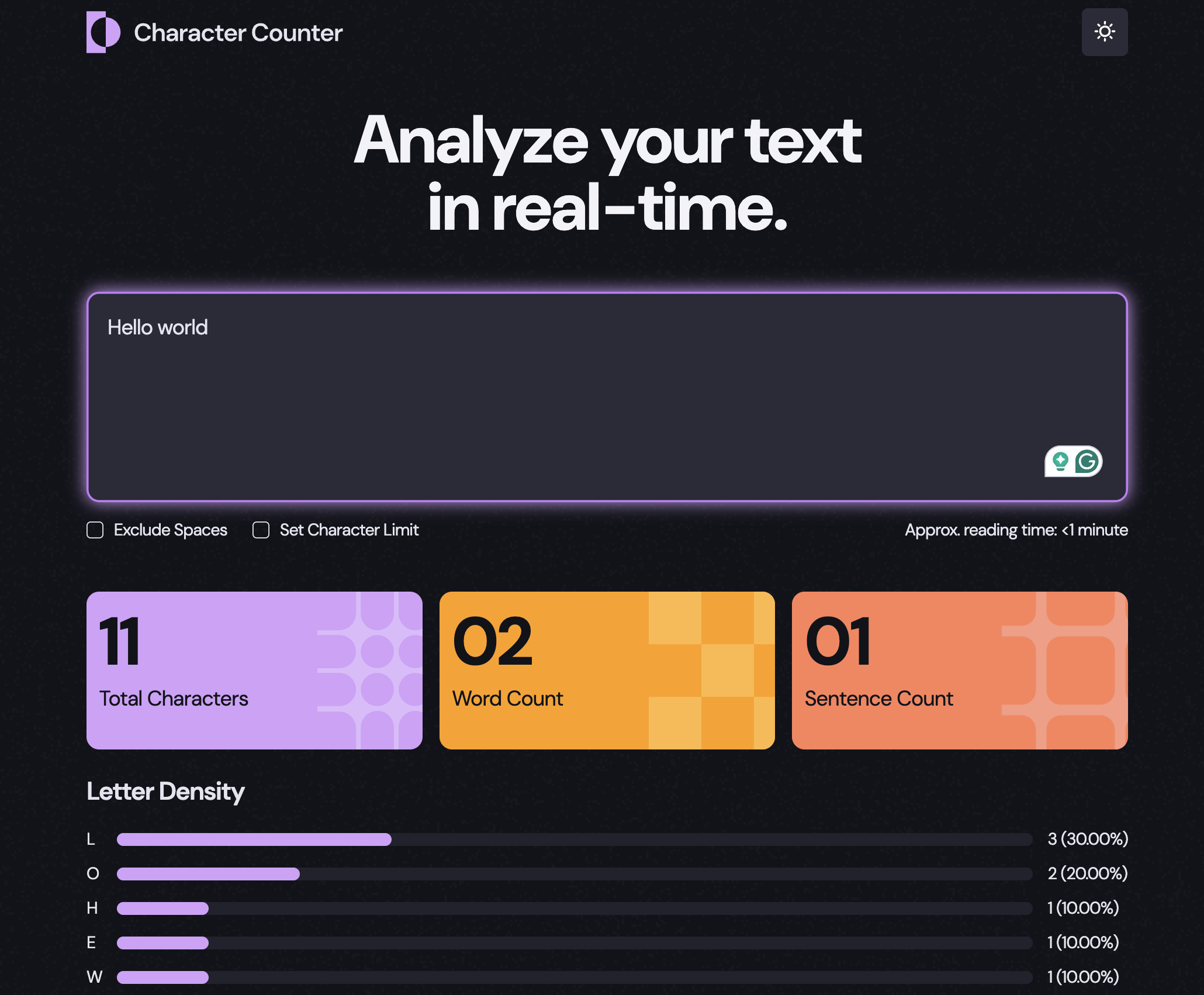
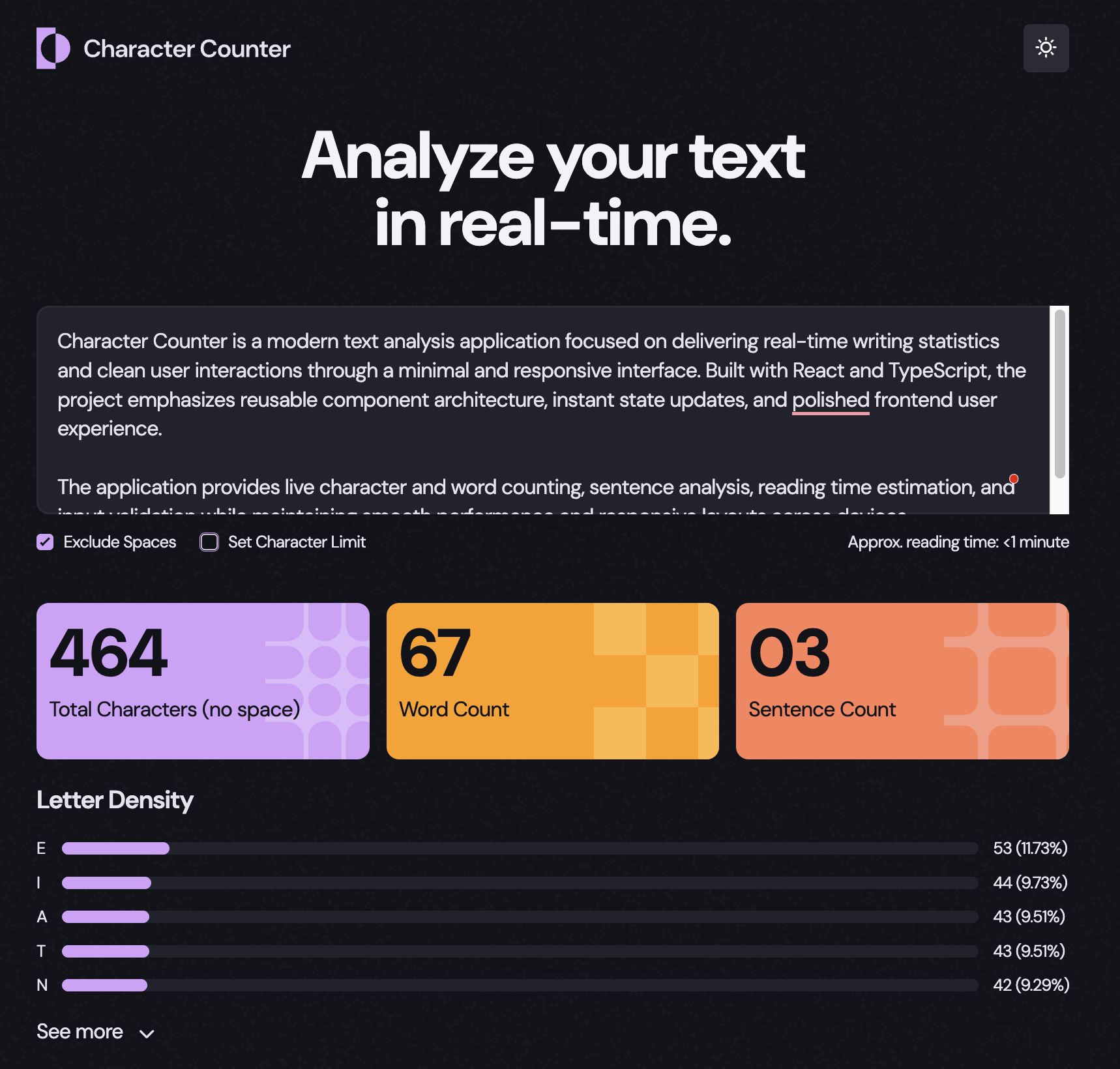
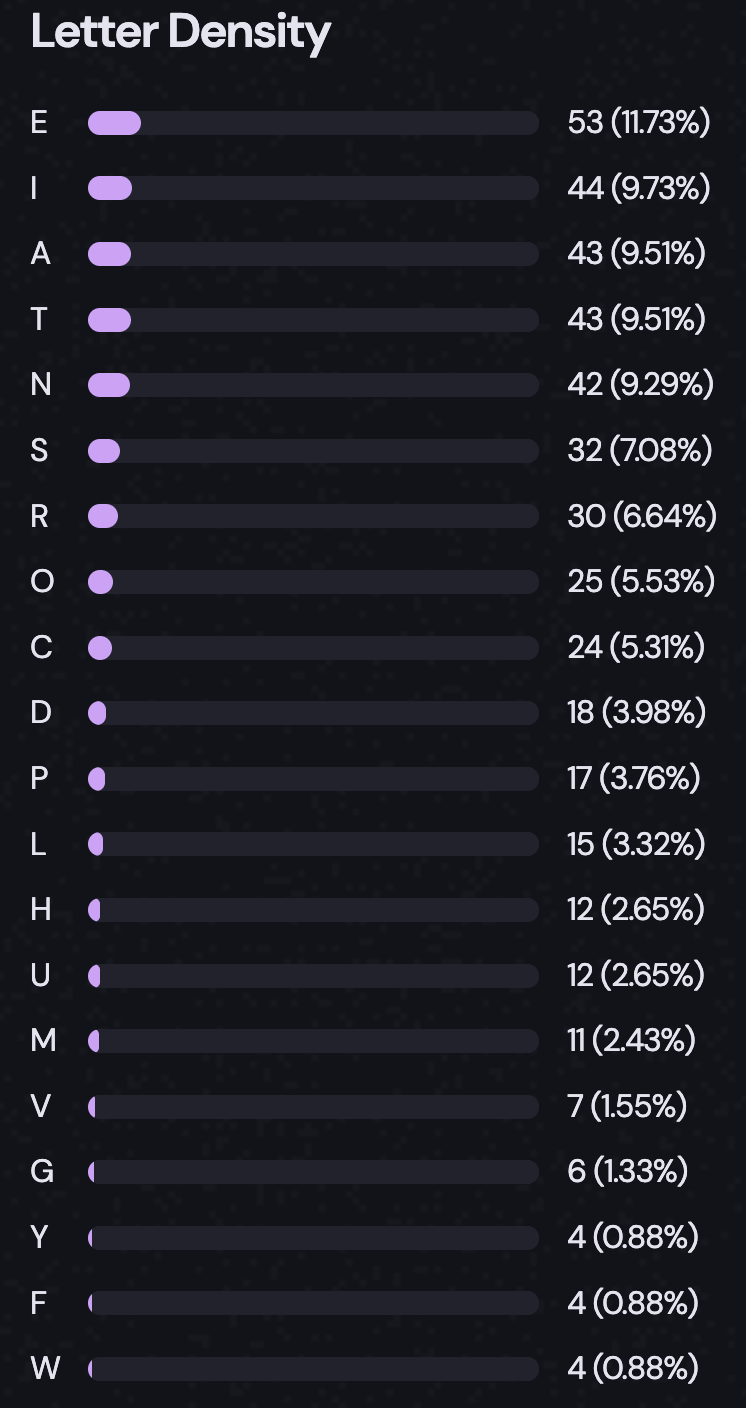
The application provides live character and word counting, sentence analysis, and instant text feedback while maintaining a polished user experience across desktop and mobile devices.
Screenshots
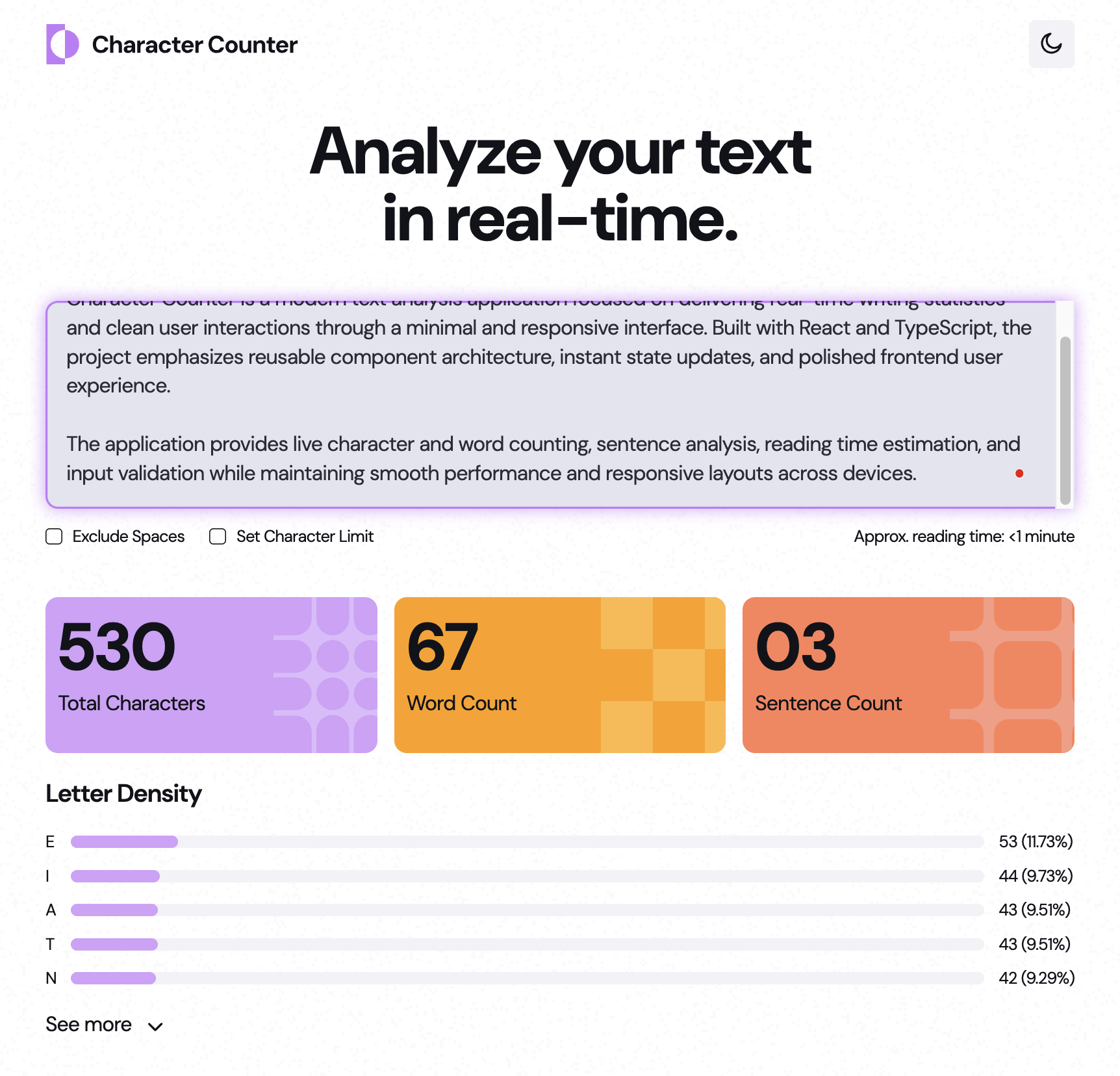
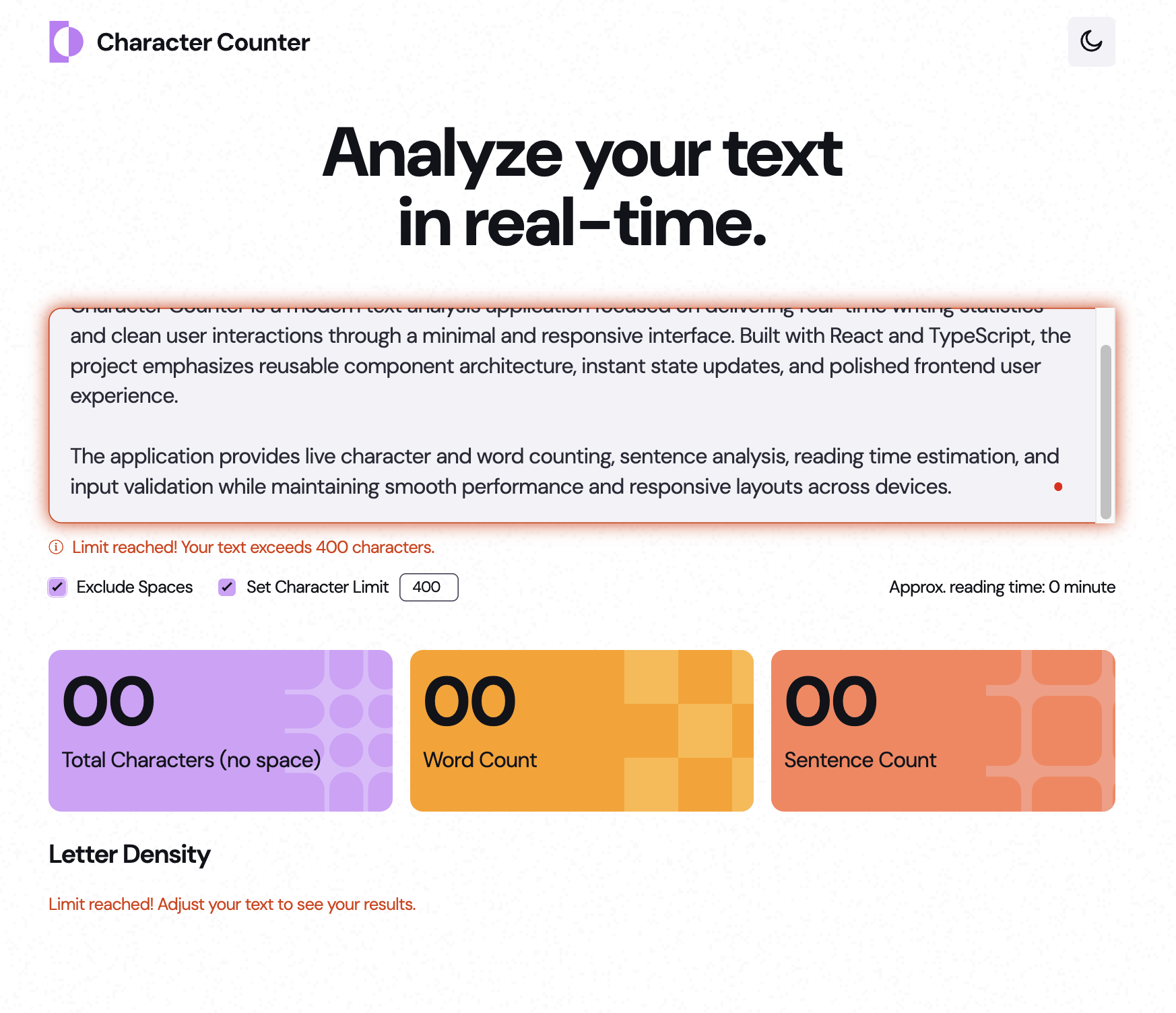
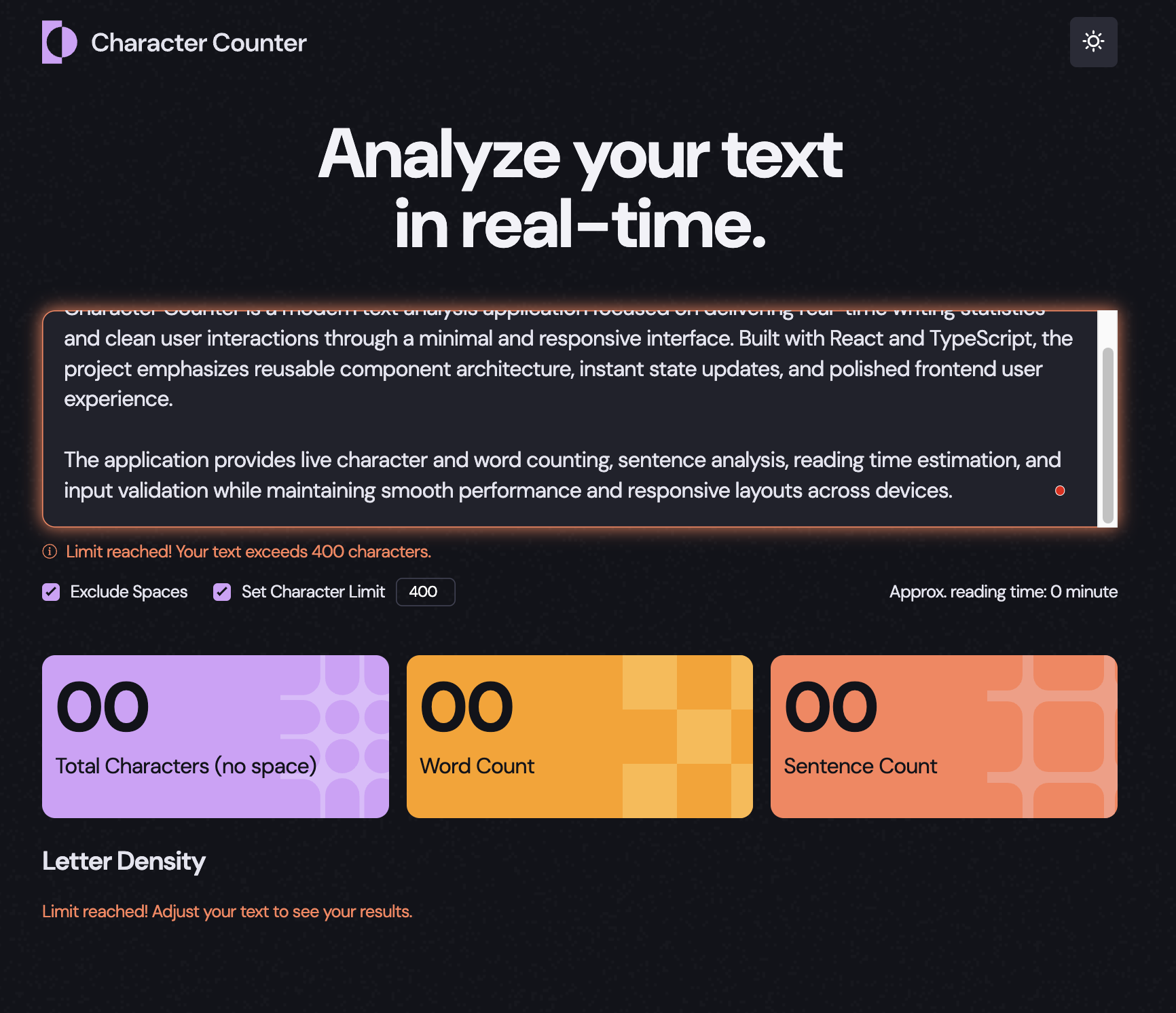
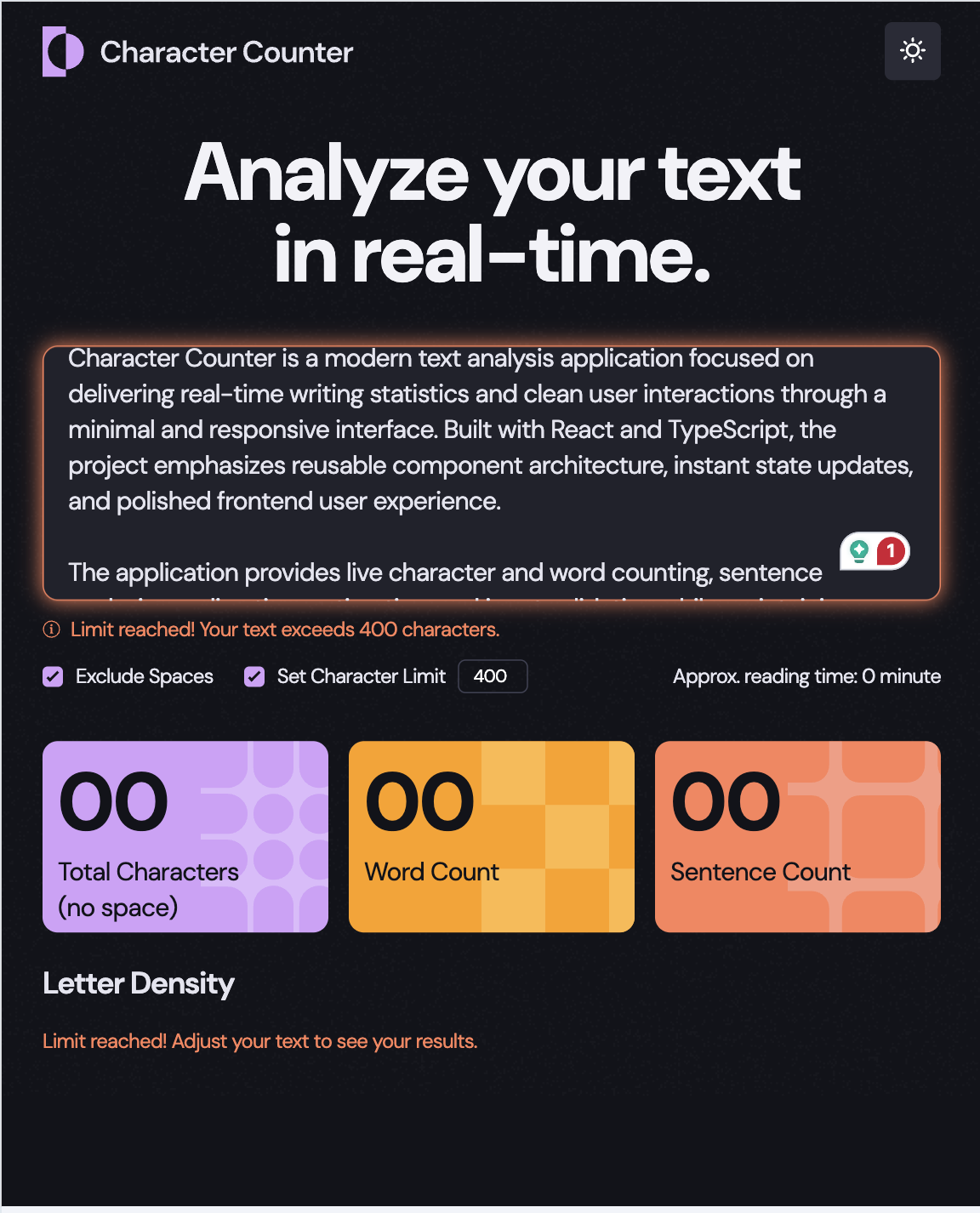
Features
- Real-time character counting
- Word and sentence analytics
- Instant text updates
- Responsive layouts
- Modern typography and spacing
- SCSS architecture
- Reusable styling patterns
- Optimized frontend workflow
- Lightweight and fast performance
Tech Stack
- HTML5
- JavaScript (ES6+)
- SCSS / Sass
- Gulp
- CSS3
- GitHub Pages
The project focuses on responsive frontend implementation, reusable SCSS structure, and efficient DOM interaction patterns while showcasing modern vanilla JavaScript development practices. Special attention was given to clean styling architecture, maintainable folder organization, and optimized asset compilation using Gulp workflows.
Key highlights include modular SCSS organization, responsive UI implementation, real-time text processing, and streamlined frontend tooling for scalable styling and development efficiency.
Code Highlight
static {
    if (window.matchMedia("(prefers-color-scheme:dark)").matches) {
      document.documentElement.dataset.theme = "dark";
    } else {
      document.documentElement.dataset.theme = "light";
    }

    window
      .matchMedia("(prefers-color-scheme:dark)")
      .addEventListener("change", (event) => {
        document.documentElement.dataset.theme = event.matches
          ? "dark"
          : "light";
      });
  }

  static #countLetter(str, letter) {
    return str.split("").reduce((acc, curr) => {
      if (curr.toLowerCase() === letter) {
        acc++;
      }
      return acc;
    }, 0);
  }

  static #countReadingTime(words, instance) {
    return words.length / _AVG_READING_TIME.get(instance);
  }

  static #switchMode() {
    if (document.documentElement.dataset.theme === "light") {
      document.documentElement.dataset.theme = "dark";
      return;
    }
    document.documentElement.dataset.theme = "light";
  }